
SHORT ANSWER
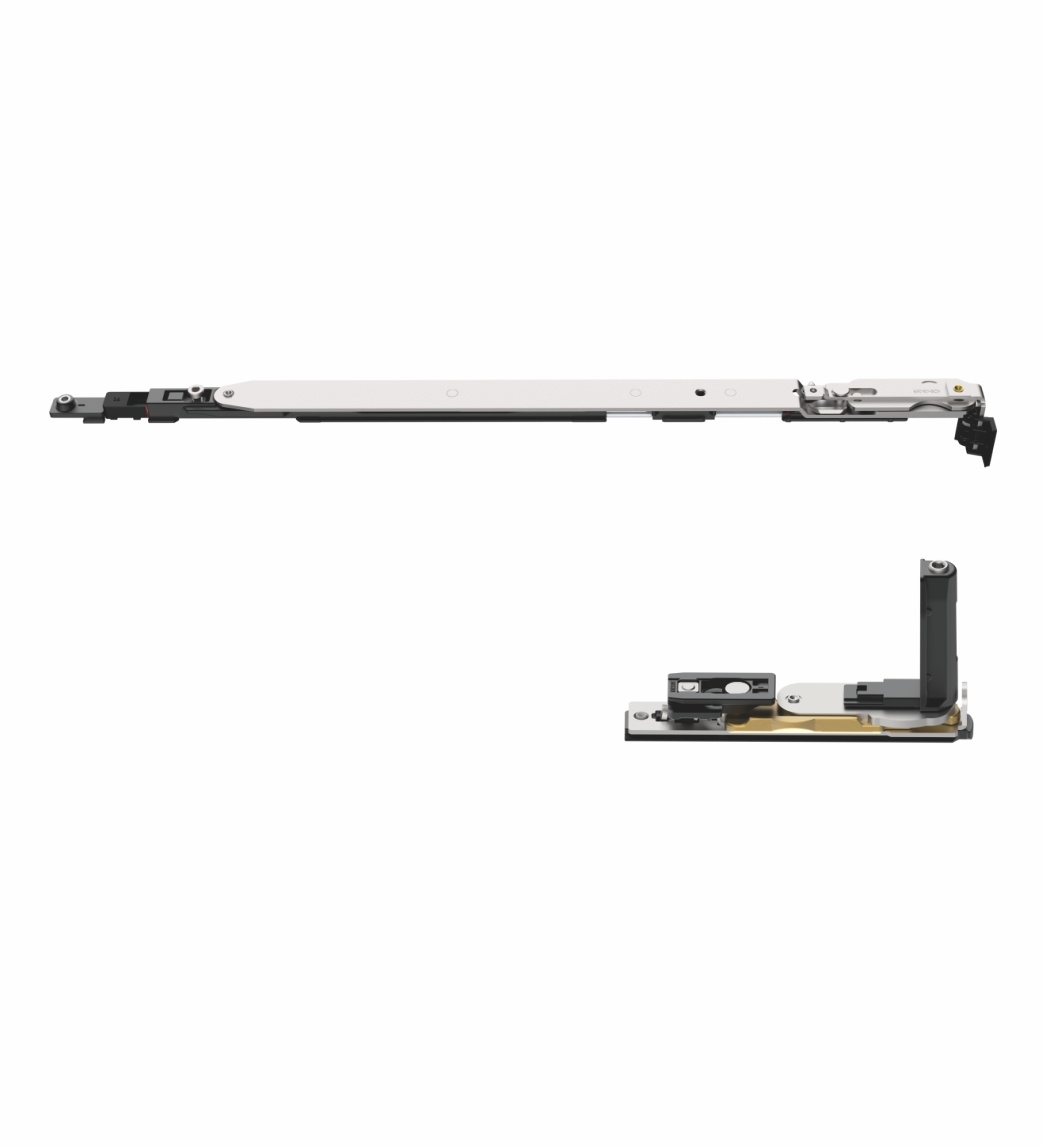
Start tilt and turn window hardware selection with the aluminium profile and opening direction, then review the sash size and weight, hardware groove, handing, handle position and required components as one set. A product photo or a single rod reference can narrow the direction, but it cannot confirm a compatible system on its own.
Tilt and turn hardware is often searched as a “kit” or “mechanism”, but a workable set is defined by the actual window. This guide is for fabricators, distributors and project buyers who need to move from a familiar-looking part to a traceable tilt and turn window hardware selection.
The short answer
Before requesting a model, collect five inputs: the aluminium profile or section, the opening and viewing direction, sash width/height/weight, the hardware interface or groove, and the existing hardware or intended component list. These inputs make it possible to separate an initial product route from a final configuration confirmation.
1. Confirm the opening and viewing direction
“Tilt and turn” describes more than one motion. State which movement is required, where the handle sits and from which side the opening direction is being described. This avoids a common mismatch in which a buyer and supplier use the same left/right wording while looking at opposite sides of the sash.
For a replacement, photograph the fully open window and the complete existing hardware. For a new build, provide the opening diagram or a marked-up elevation. Do not assume that a turn-and-tilt arrangement, a tilt-before-turn arrangement and a turn-only arrangement use the same configuration.
2. Check the profile and hardware interface
An aluminium profile controls the available installation space, fixing positions and hardware interface. A part can look similar while its groove, connection or geometry does not match the frame.
Use one of the following as the starting reference:
- profile system name and section drawing;
- close-up photos of the frame and sash groove;
- an existing component with its full length and fixing points visible;
- a drawing showing handle position, opening direction and sash dimensions.
The aluminium window and door hardware range is useful for identifying the product family. When a JNPX reference is already known, compare it with the available JNPX800 technical reference instead of treating the model name as a complete compatibility answer.
3. Review the sash as a complete condition
Sash dimensions and weight belong in the same review, but neither one should be isolated from the opening geometry. Glass build-up, profile construction and the intended opening operation can change the configuration that should be checked.
Provide the aluminium system reference or a section/photo of the hardware interface.
State tilt, turn and opening direction, including the viewing side used for handing.
Include width, height, estimated weight and glass condition where available.
List handle, locking, rods, hinges and any existing parts that must remain.
Add finish, quantity, destination and the timing for samples or quotation review.
4. Build the set before you name a model
The safest approach is to name the required window function first, then build the component route around it. A tie rod, handle or hinge-side component is not a generic substitute for the complete system.
Fenrova’s Tilt & turn section groups the available directions. Use it to compare what is publicly listed, then use the system matching guide if the profile or complete hardware set is not yet clear. This keeps the article useful for research while the product page remains the owner of model-specific information.
What to send for a system match
Send the files you already have; a complete CAD package is not required to begin. A strong first enquiry contains an opening photo or diagram, profile information, sash dimensions/weight, any current model reference, the finish, quantity and destination. Mark unknown items as unknown rather than guessing.
For a related high-travel opening, see what to confirm before matching lift-slide door hardware. The two systems should not be treated as interchangeable, but both benefit from a clear profile-and-sash review.
Frequently asked questions
Can I choose tilt and turn hardware from a product photo?
A photo can identify a likely direction, but it does not confirm the profile interface, opening arrangement or complete set. Include photos of the installed position and profile whenever possible.
Do I need the exact sash weight before asking for a quote?
Provide it when known. If it is not confirmed, send sash dimensions, glass information and profile details so the missing input can be identified.
Can I request only a replacement rod?
You can begin with the existing reference and clear photos, but the replacement direction should still be checked against the window system and related components.
References
NEXT STEP
Confirm the window condition before approving the hardware route
Share the profile, opening information and sash details. Fenrova can review the relevant direction and identify what still needs confirmation.
Start a project matching request →