
Model or product photo
Share the model, series or a clear image of the existing hardware.
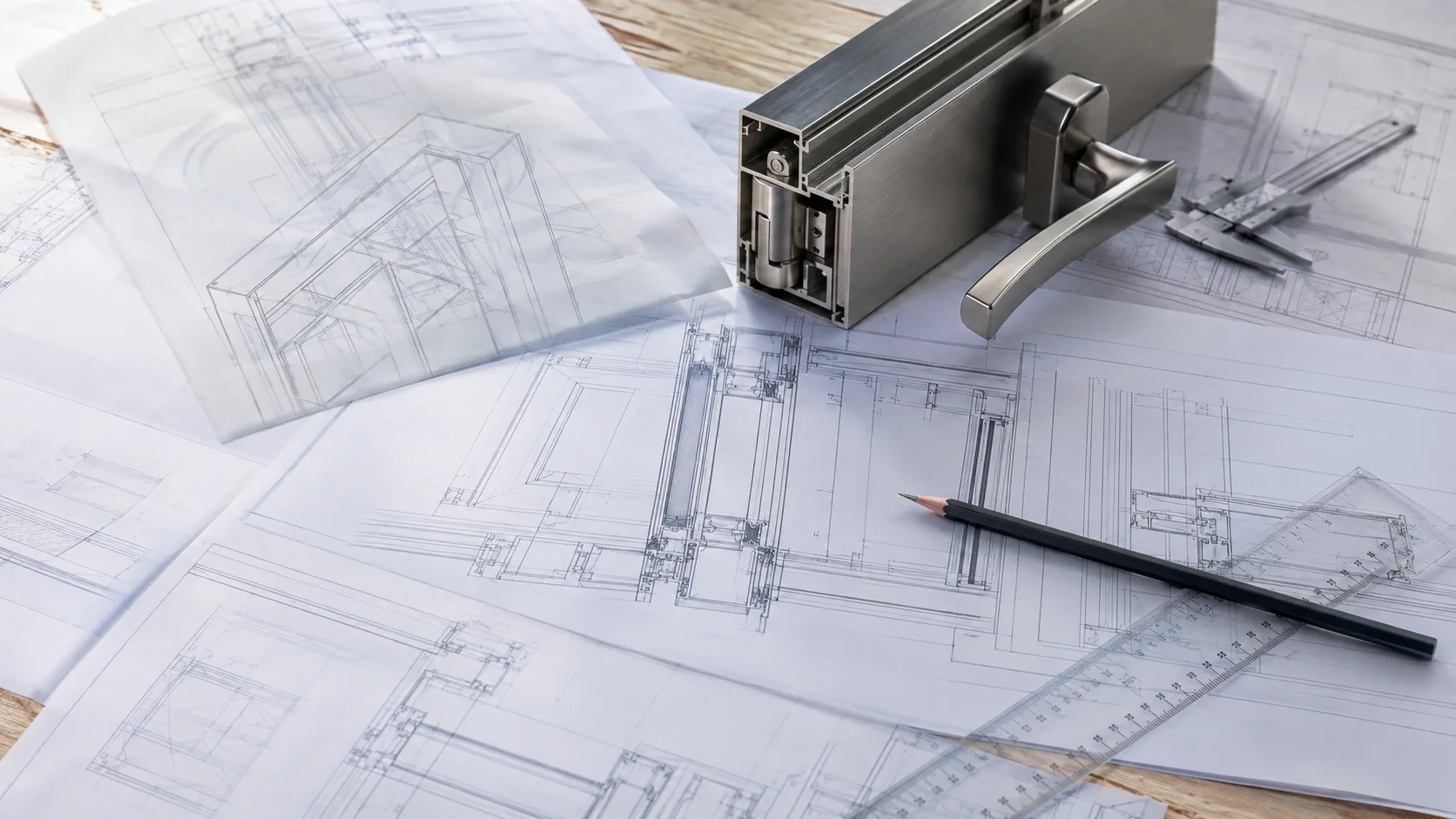
TECHNICAL DRAWINGS
Use the product category to reach a model page, then review the available drawing and specification information with the actual system conditions.
DRAWING ROUTES
The page route is organised by product family so that a drawing is reviewed together with the model and application context.
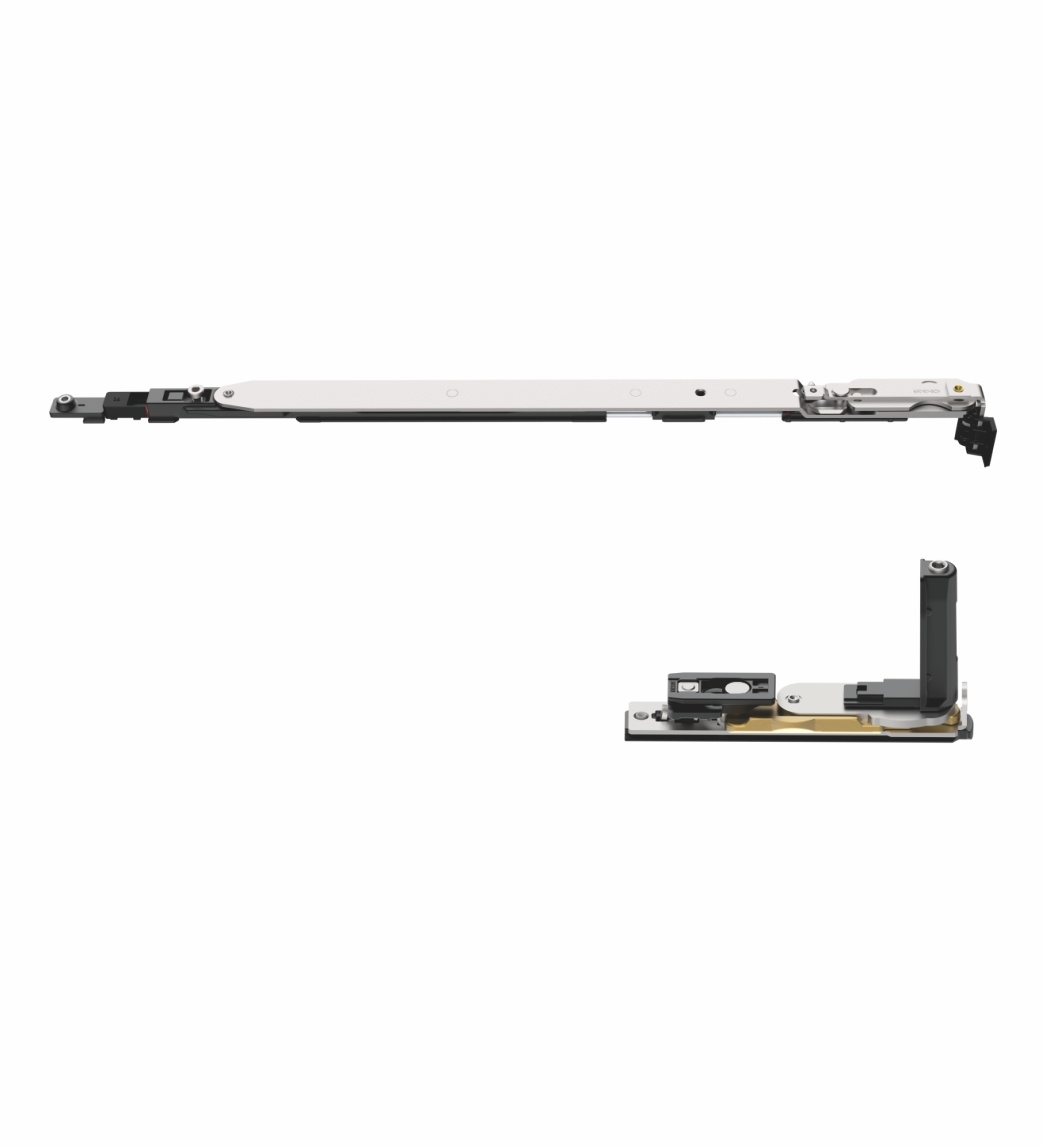
WINDOW AND DOOR
Open model pages for tilt and turn, casement, lift-slide, hinges, handles and locks.
Find aluminium drawings ↗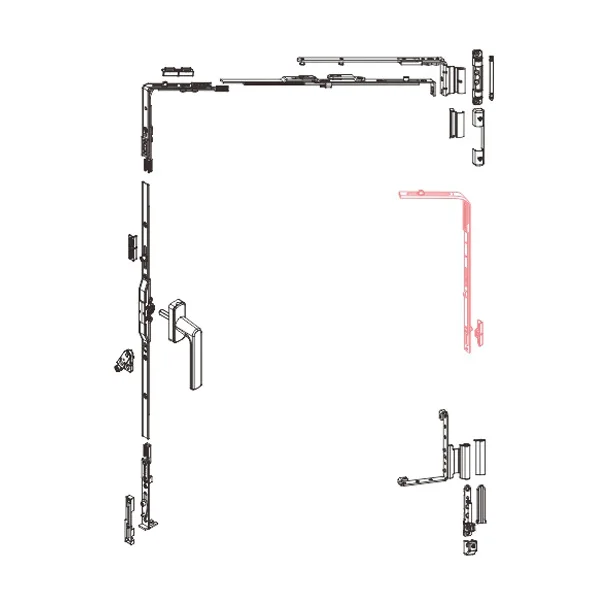
UPVC
Review uPVC model routes for window and door opening directions and components.
Find uPVC drawings ↗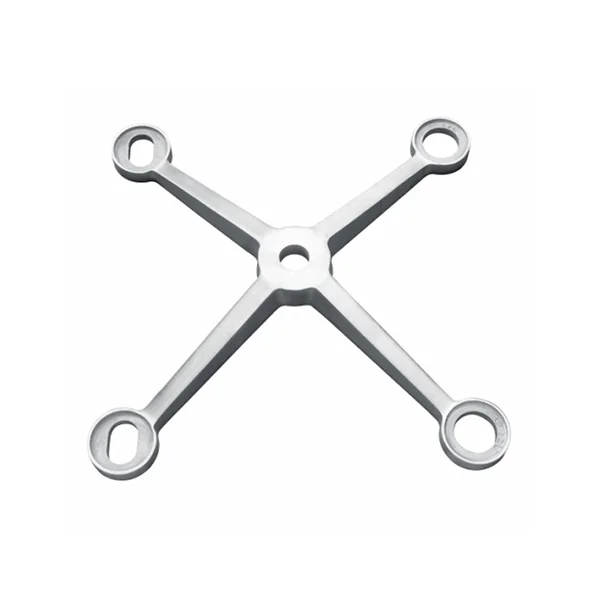
GLASS CONNECTION
Open the relevant model family for routels, spider fittings, clamps or tie-rod supports.
Find facade drawings ↗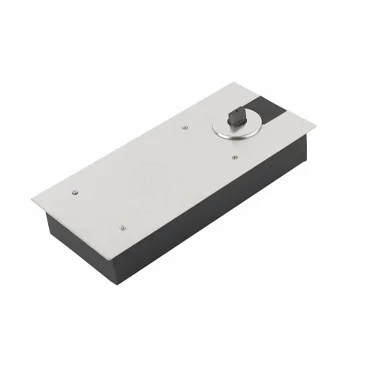
CONTROL AND RAILING
Review model routes for floor springs, door control and glass railing hardware.
Find control and railing routes ↗DRAWING REQUEST
A model number or clear product image helps avoid sending a drawing for the wrong family or configuration.
Share the model, series or a clear image of the existing hardware.
State whether you need a product drawing, system drawing, dimensions or installation reference.
Add profile, groove, opening type, glass thickness or mounting detail where relevant.
Include quantity, destination and whether the request is for sample, quotation or installation review.
CONTINUE
A drawing is a technical reference, not a standalone compatibility confirmation.
TECHNICAL FILE REQUEST
Share the model number, product photo or category and describe the drawing or dimension information you need.