
Window and door hardware systems
Fenrova window and door hardware is organised for fabricators, contractors and distributors by profile interface, opening type and operating load. Start with the system conditions, then compare the relevant model range.
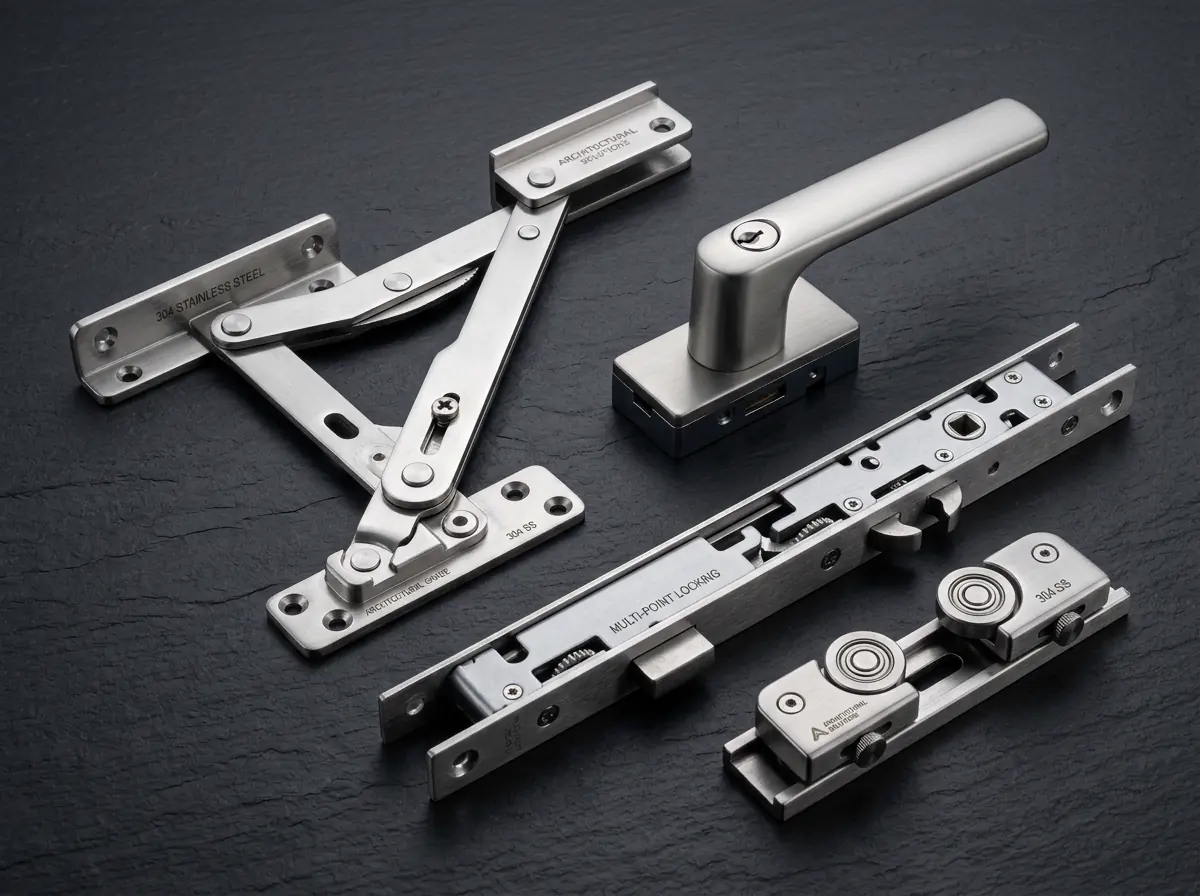
Architectural hardware by system
Explore architectural window and door hardware by opening method and system direction, then compare the relevant hardware family and model range.
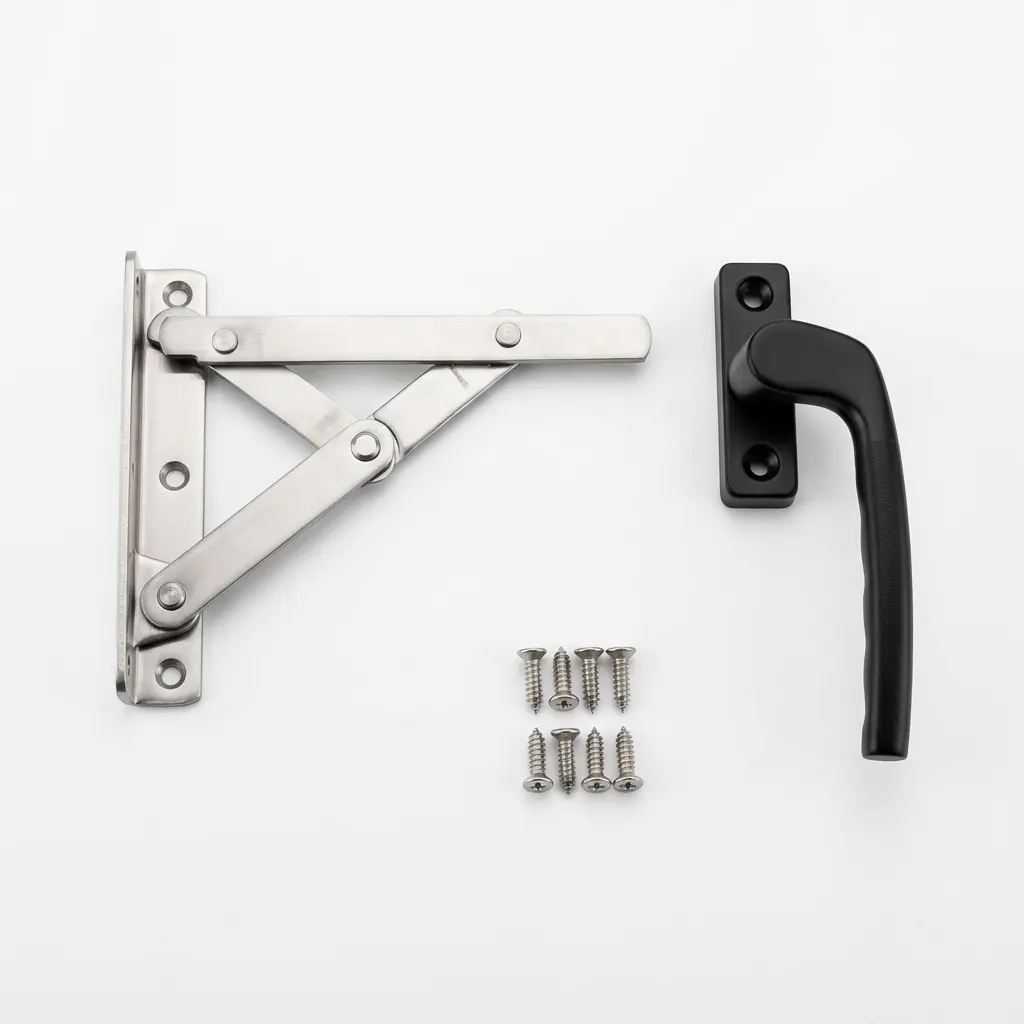 CASEMENT WINDOWS
Casement window hardware
Explore stays, handles, transmissions and corner components for inward- and outward-opening casement windows.
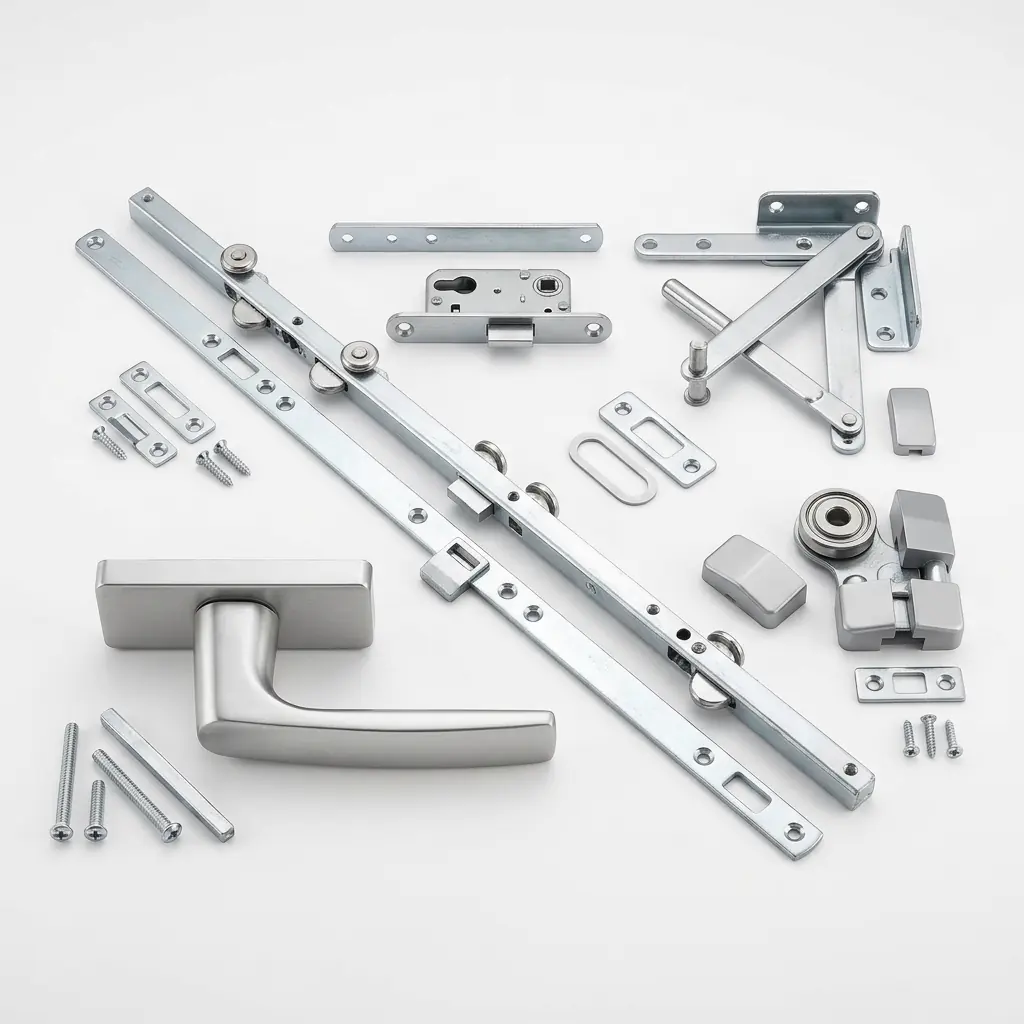 TILT & TURN
Tilt and turn window hardware
Compare connecting rods, lock boxes, hinges and related components by opening reference and sash load.
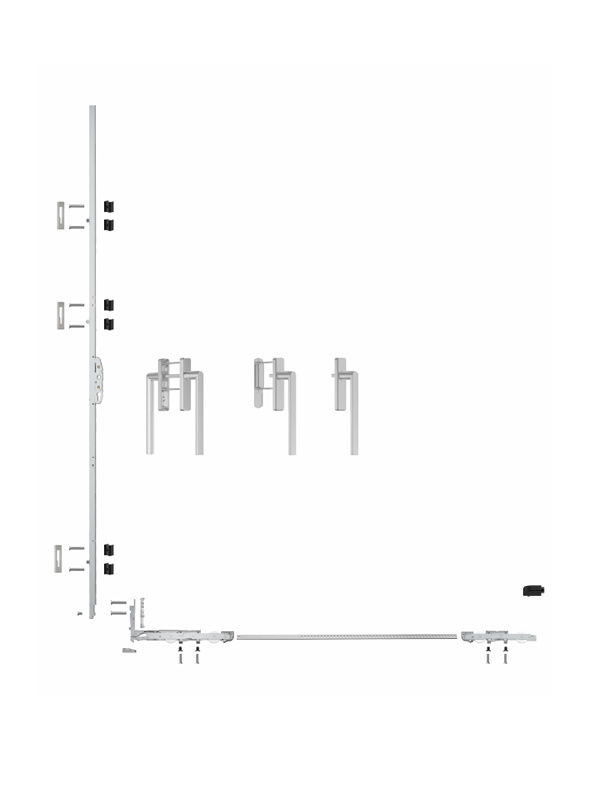 LIFT-SLIDE DOORS
Sliding and lift-slide door hardware
Review lift-slide hardware by door weight, track arrangement and operating configuration.
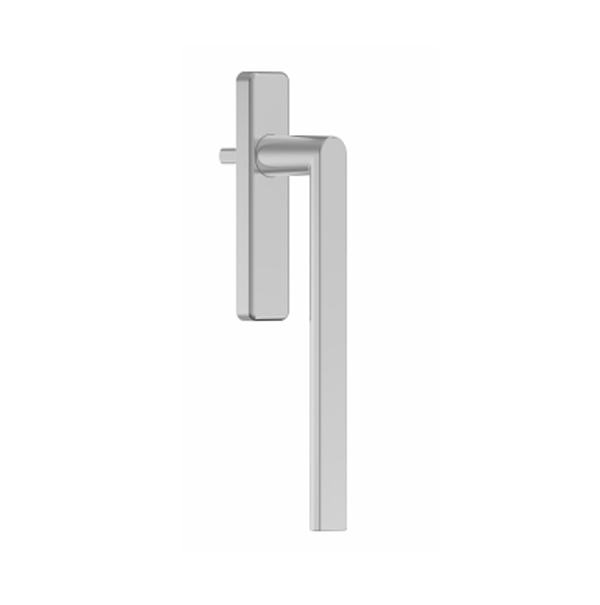 COMPONENTS
Handles, hinges and lock boxes
Open the relevant component family to compare model references before confirming the full hardware set.
Information for a compatible hardware set
Use the profile interface, operating direction, load condition and finish requirement to narrow the right system.
Profile and groove reference
Share the profile section, groove dimensions or an existing system reference before selecting compatible hardware.
Operating load reference
Use sash or door weight to select the relevant load class before comparing hardware configurations.
Finish and project conditions
Confirm the required finish, quantity and destination alongside the product reference and system data.
Five details before a hardware quotation
Window and door hardware is selected as a system. Share these details to review compatibility.
Profile system and groove
Provide a C groove, Euro groove or profile section drawing for interface review.
Window or door operation
Confirm tilt & turn, inward or outward casement, sliding or lift-slide operation.
Sash or door weight
Use the operating load to select the relevant hinge, stay, support or lift-slide system class.
Handing and finish
Confirm left or right handing together with the required surface finish and colour.
Quantity and destination
State the expected quantity and destination for quotation and delivery review.
Catalogues, model drawings and document requests
Review available catalogues by product family, or open a model page for drawings and specifications.
Browse product catalogues
Review the current catalogue coverage for aluminium, uPVC and curtain wall hardware.
Browse cataloguesFind product drawings
Open the relevant product family and model to review drawings and published specifications.
Find drawingsRequest technical information
Send the product family, model or series and the document you need for a reference check.
Request informationFour steps from matching to supply
Start with the product and system data needed for a compatible hardware review.
Manufacturing scale and process support
Learn more about the manufacturing base and product support before starting a sourcing discussion.


Questions about matching and sourcing
Find practical guidance on profile references, drawings, quotation preparation and order coordination.
Start with the information you have
Send a model, profile drawing, hardware photo or project requirement to begin a matching review.
Request a matching proposal
Share the profile, opening type, sash or door weight, quantity and destination when available.